Skip to product information
1 of 1

MTG Music

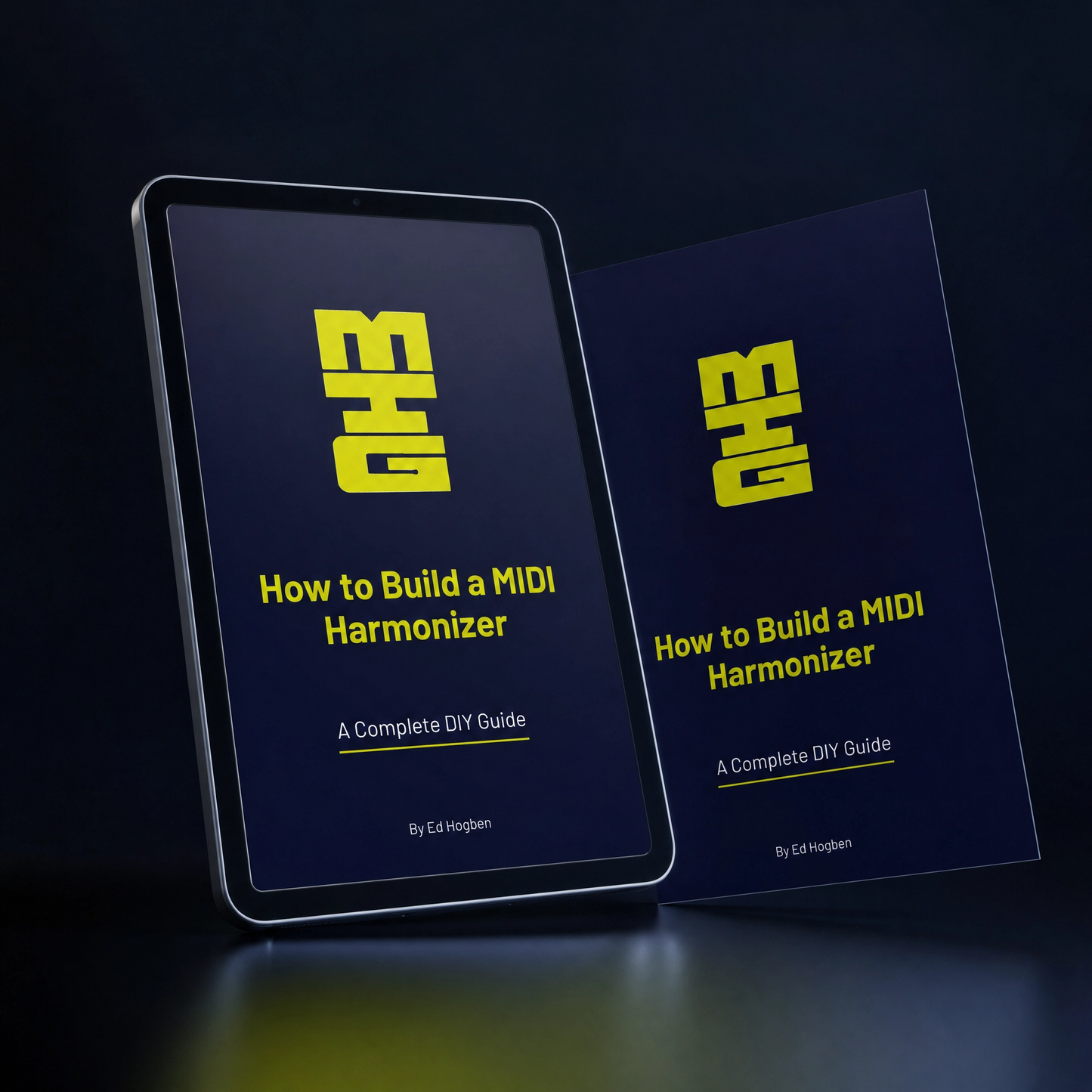
How to Build a MIDI Harmonizer

How to Build a MIDI Harmonizer

Regular price £29.00 GBP
Regular price Sale price £29.00 GBP
Sale Sold out
Taxes included. Shipping calculated at checkout.
Quantity

A complete, step-by-step guide to building your own MIDI Harmonizer from scratch using an Adafruit MacroPad RP2040. Written by Ed Hogben.

This guide covers everything: the hardware you need, how to load CircuitPython, how to code the device yourself (even if you have never coded before), how to connect it to a DAW or HX Stomp, and the music theory behind designing colourful voicings.

What you get:

  • 19-page illustrated PDF ebook
  • Full hardware and firmware setup walkthrough
  • DAW setup guides for Ableton Live and Logic Pro X (more coming soon)
  • HX Stomp integration guide
  • Music theory section with interval reference table and voicing examples

Delivered as a digital download.

View full details

Hear it

The Harmonizer sends the chords, the plugin sings them. Press Hear it and watch the four voices follow a real trumpet.

The Harmonizer

Your chords, under your fingers.

The Harmonizer is a small 12-key controller that sits on your trumpet. Each key holds a chord. Press one, and the plugin re-tunes its four voices to follow whatever you play.

  1. 1Plug the Harmonizer into your computer over USB.
  2. 2Press a key. It sends the chord to the plugin in your DAW.
  3. 3Play. Four voices harmonise with you in real time.
  4. 4Change what each key plays in MTG Manager.
MIDI Trumpet Guy
MIDI HARMONIZER
4-voice pitch harmonizer · CC 11–14 · MIDI Learn
Setup guides
MIDI in
Waiting for MIDI
Audio engine
No audio coming in
Harmony
Bypassed
Press Hear it to play the demo
In
Dry / wet
100%
Out
MTG MIDI Harmonizer v1.3.0Licence
0:00 / 0:21

Real trumpet, recorded through the MIDI Harmonizer plugin. The window matches plugin 1.3.0.